Scan your home into a floor plan with your iPhone.
 Roomprint home
Roomprint press kit
Everything you need to write about Roomprint: the facts, ready-to-use descriptions, screenshots, the app icon and a short video. You’re welcome to use any of it in your coverage.
- Fact sheet
- Descriptions
- Key features
- Promo images
- Screenshots
- Video
- App icon
- Name and brand
- About LOW Works
- Contact
Fact sheet
- Name
- Roomprint
App Store name: Roomprint: Floor Plan Scanner - Developer
- LOW Works, United Kingdom
- Platforms
- iPhone and iPad, iOS 18 or iPadOS 18 or later
- Scanning
- Needs LiDAR: iPhone 12 Pro or later Pro and Pro Max models, iPad Pro 11-inch (2nd generation) or 12.9-inch (4th generation) or later. Other iPhones and iPads open plans in Viewer mode.
- Price
- Free to download, scan and plan. A one-off £9.99 in-app purchase unlocks printing, export and sharing.
- Account and data
- No subscription, no account. Plans stay on the device and in the user’s own iCloud Drive.
- Download
- App Store
- Press contact
- hello@lowworks.co.uk
Descriptions
Copy any of these as they are, or edit them to fit.
Tagline
Short description (55 words)
Roomprint turns the LiDAR scanner on a Pro iPhone or iPad Pro into a floor plan maker. Walk round a room for about a minute and get a measured 2D plan and a 3D model you can decorate, measure and print to scale. It’s free to scan and plan, with a one-off £9.99 unlock for printing and export.
Long description
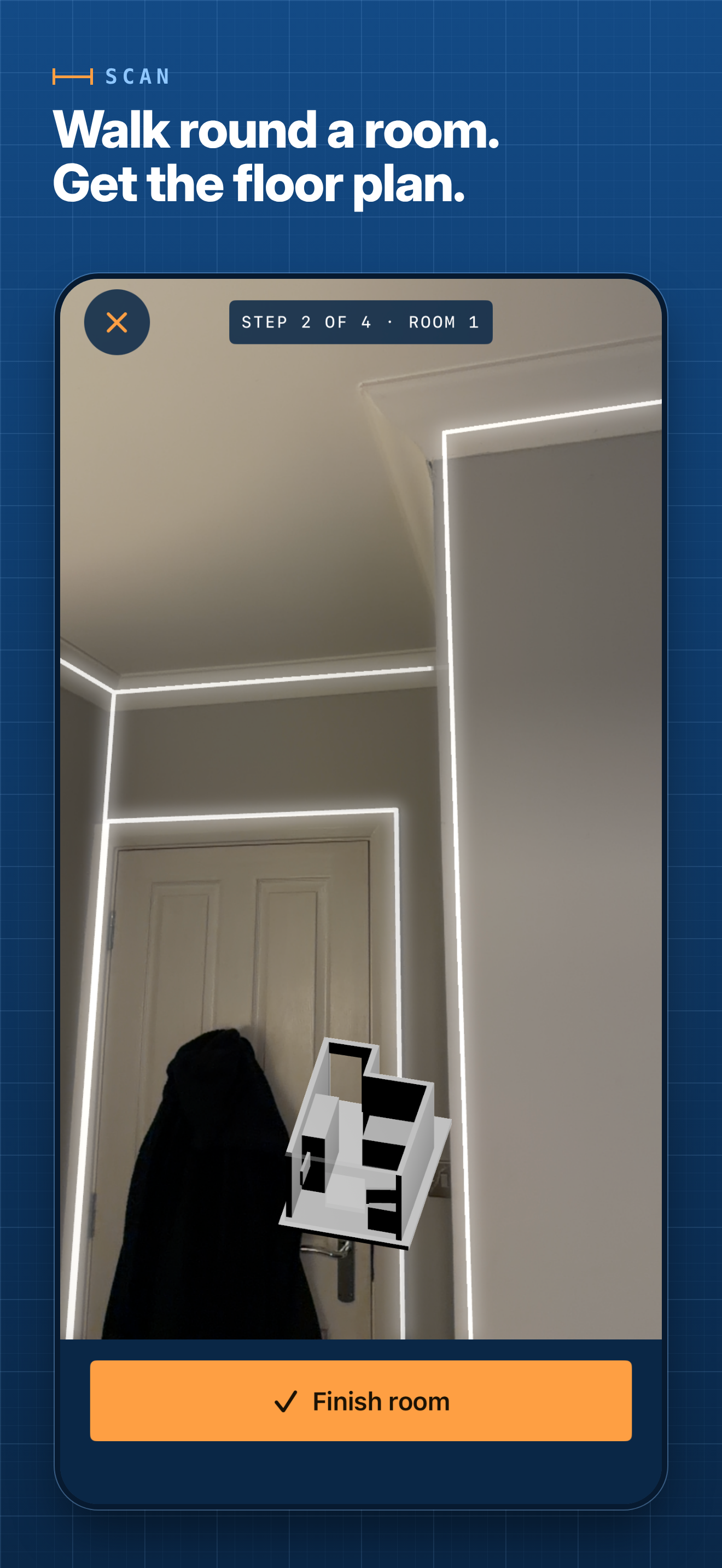
Roomprint is a floor plan app for iPhone and iPad from LOW Works, a UK studio. It uses the LiDAR scanner on Pro iPhones and iPad Pros, through Apple’s RoomPlan technology, to measure each room as you walk round it: walls, doors, windows and furniture. Rooms scanned one after another line up on one plan, and homes with several floors are supported.
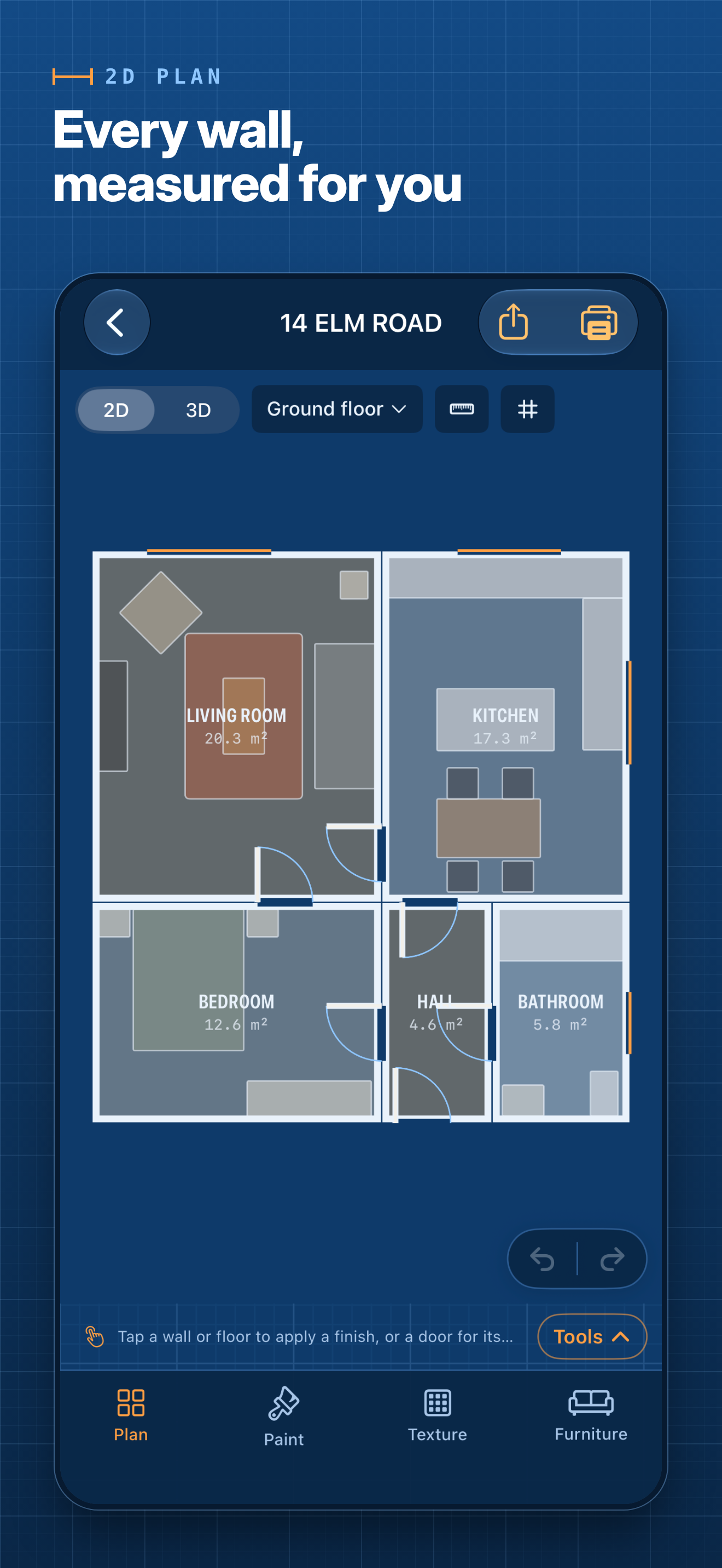
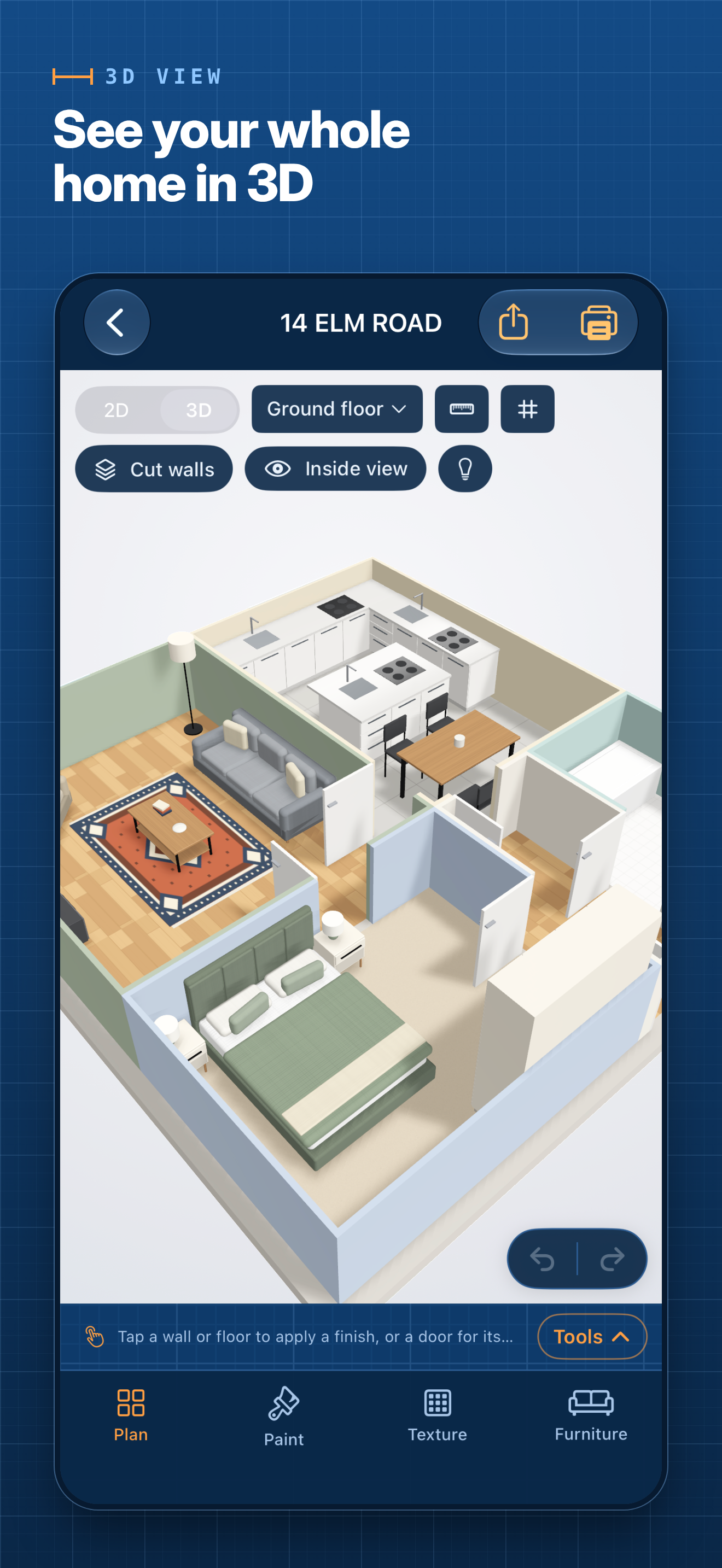
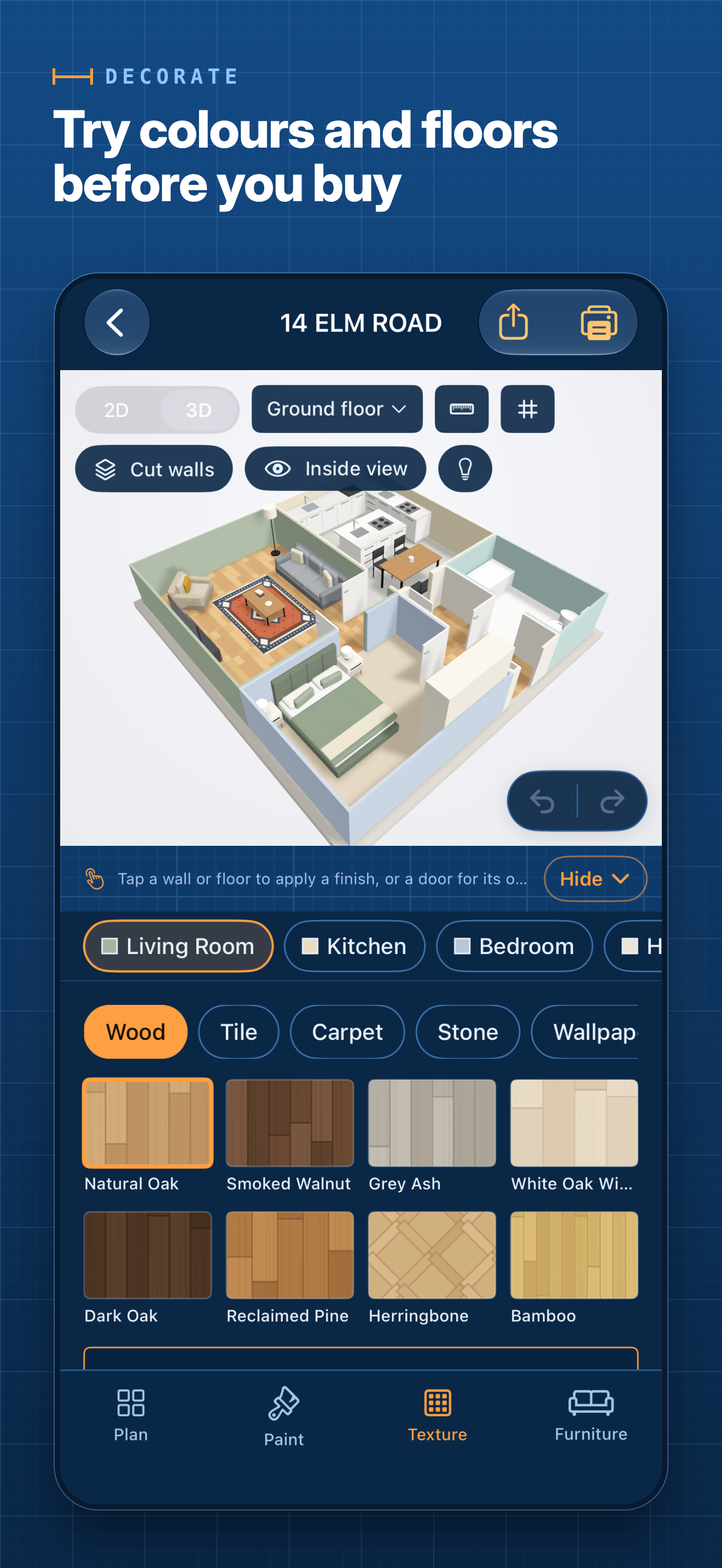
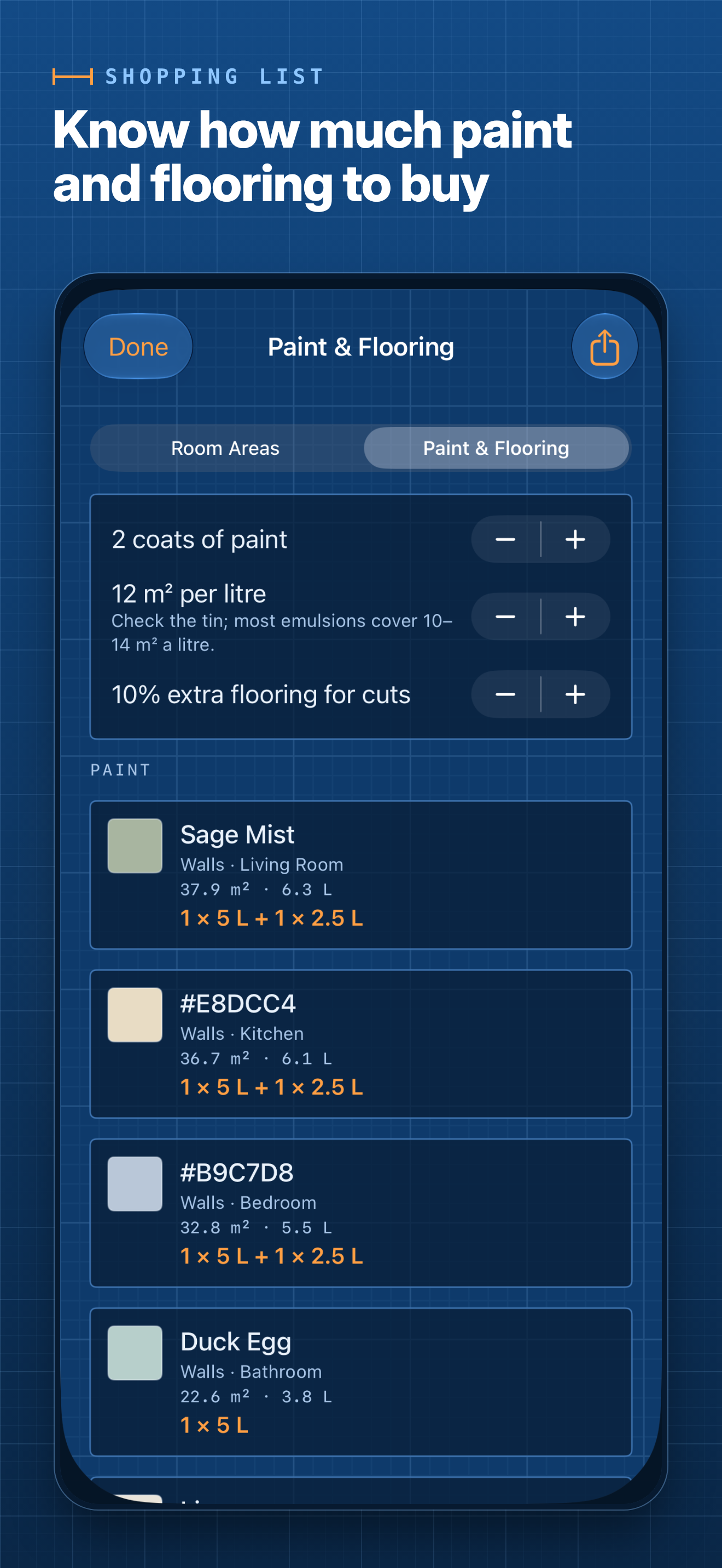
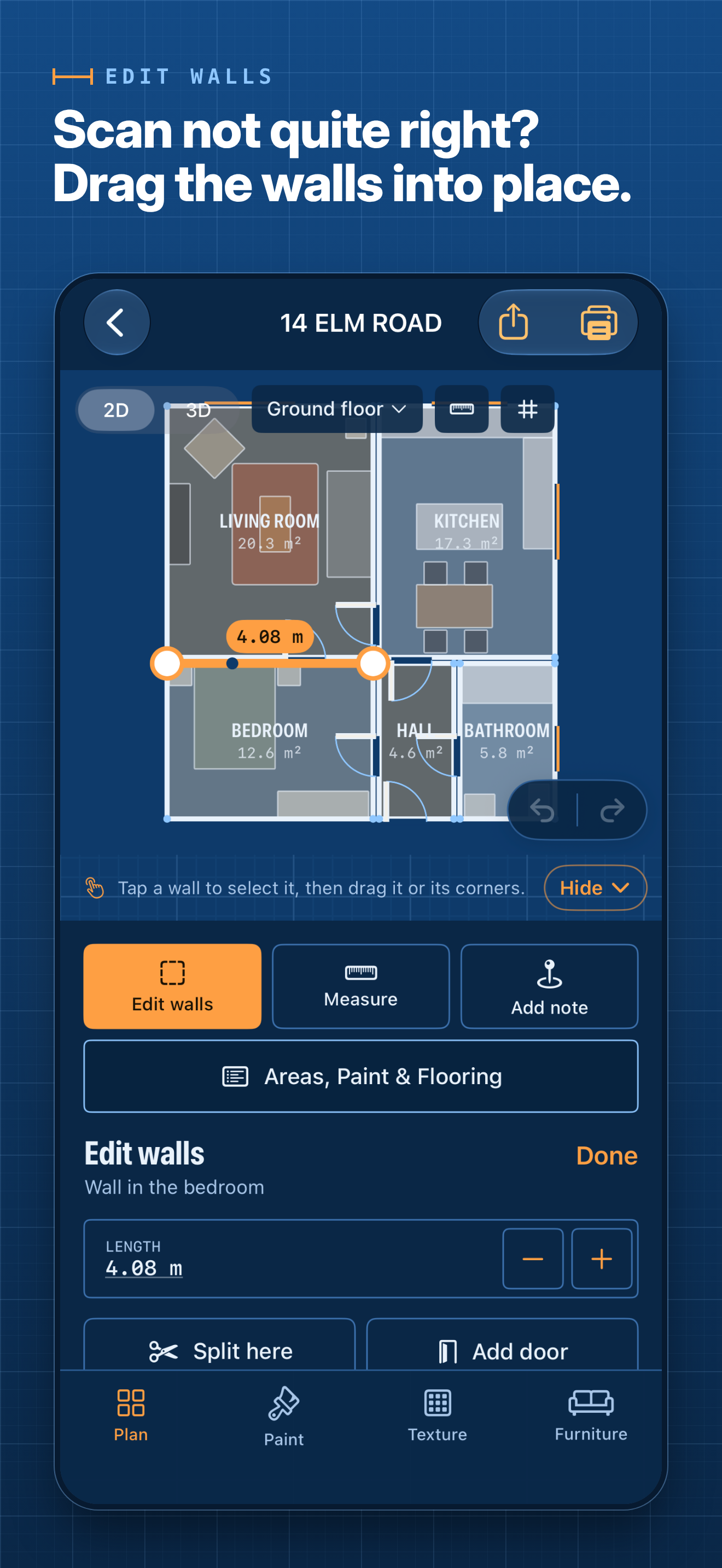
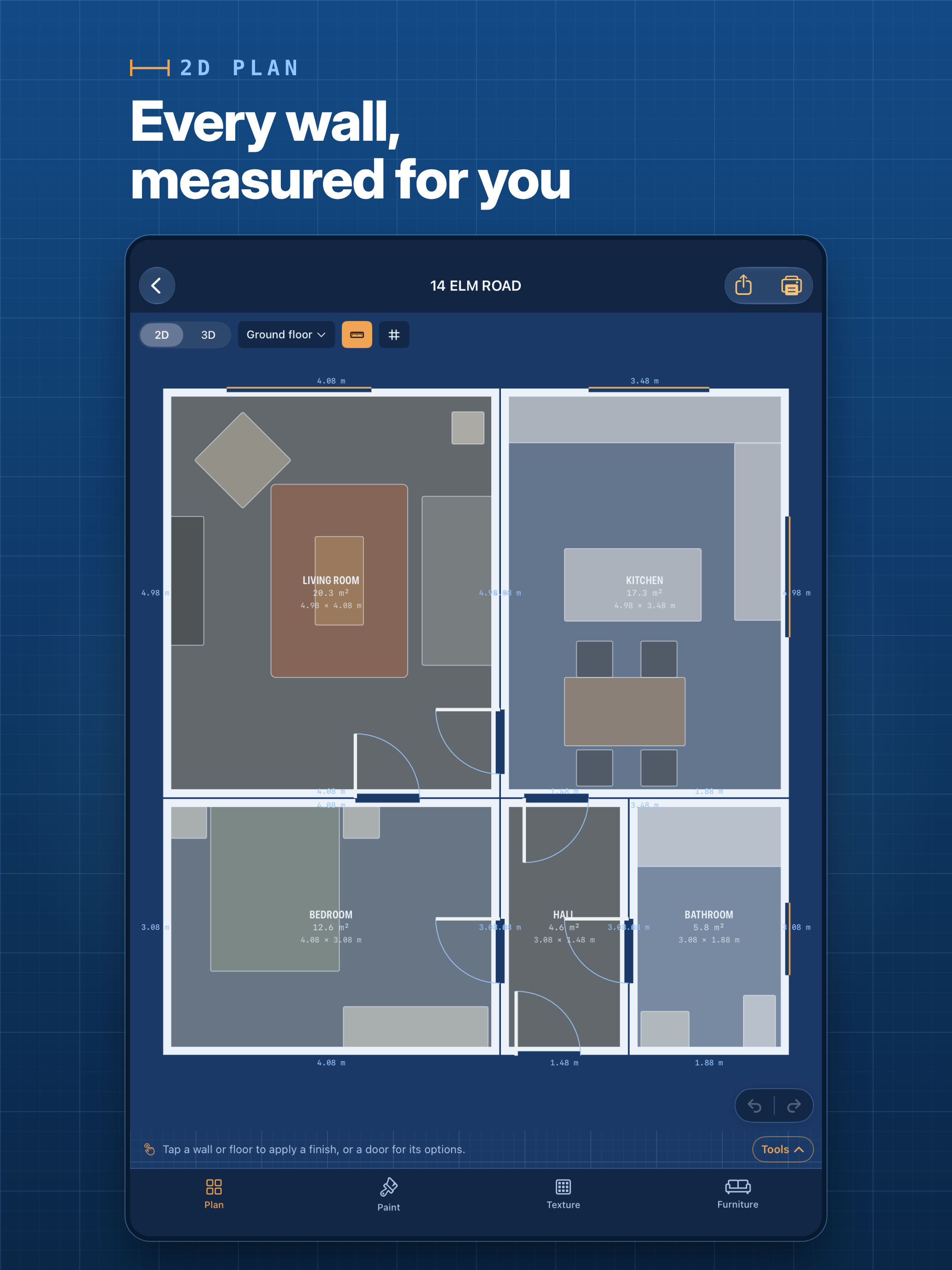
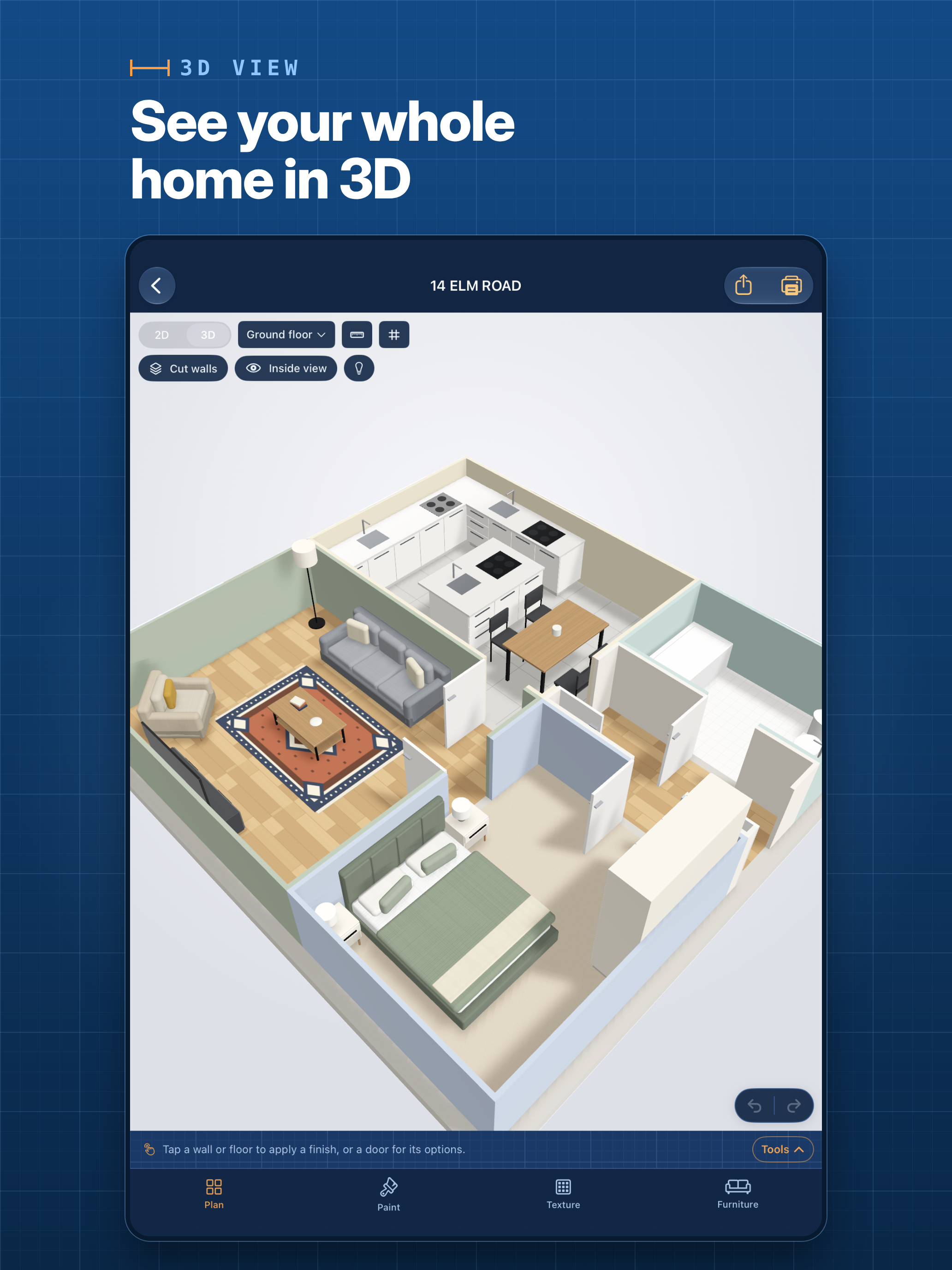
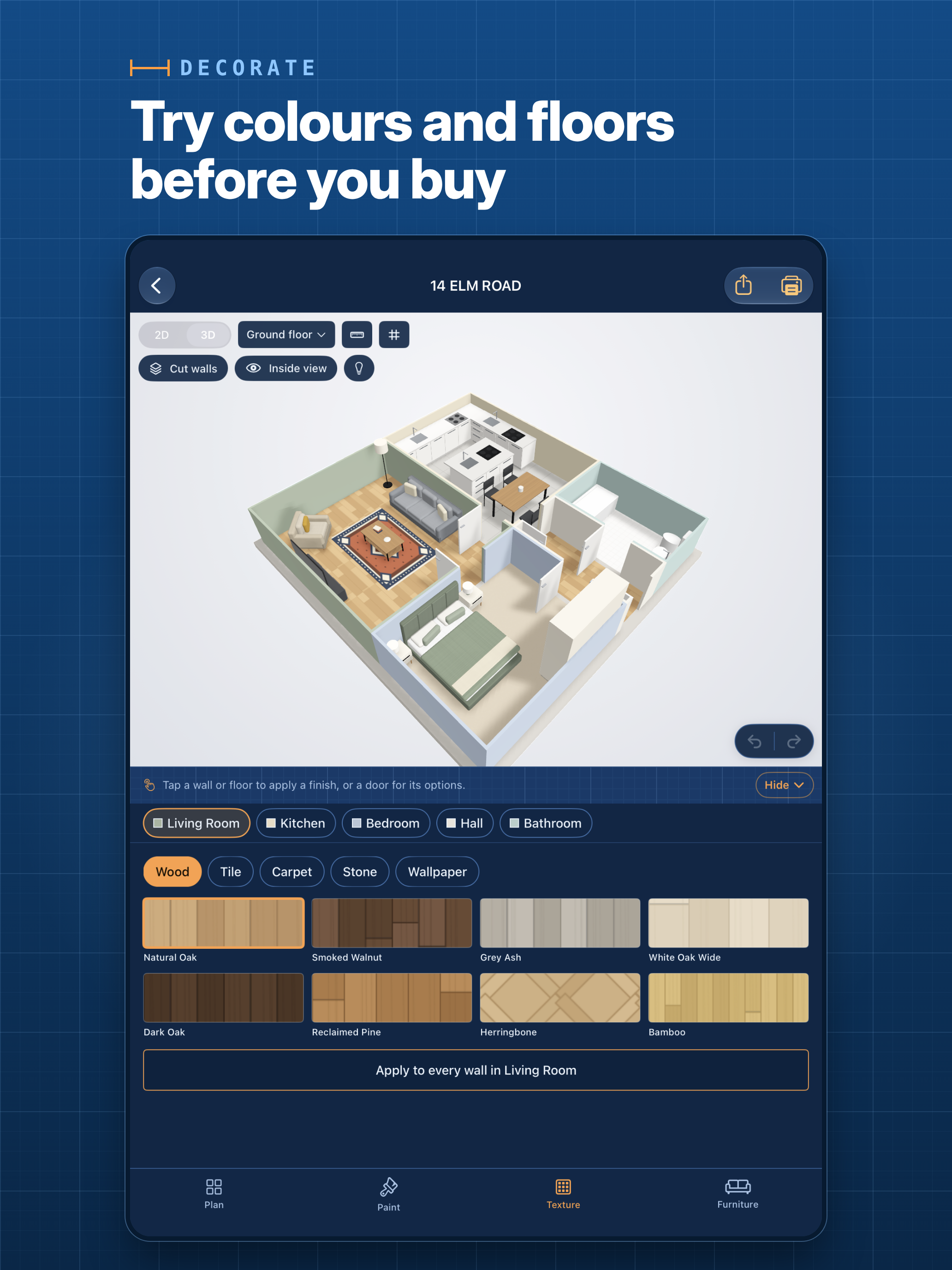
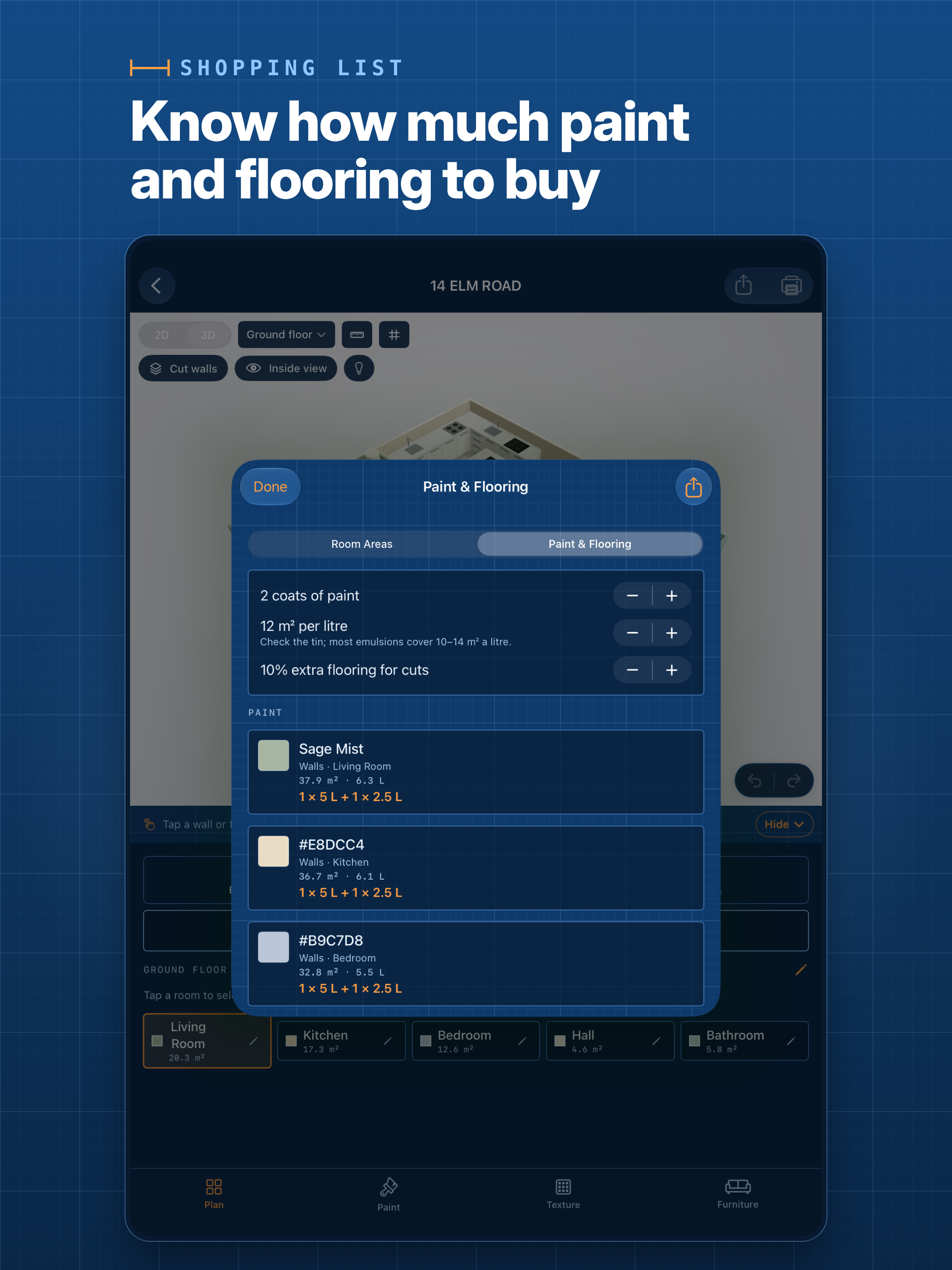
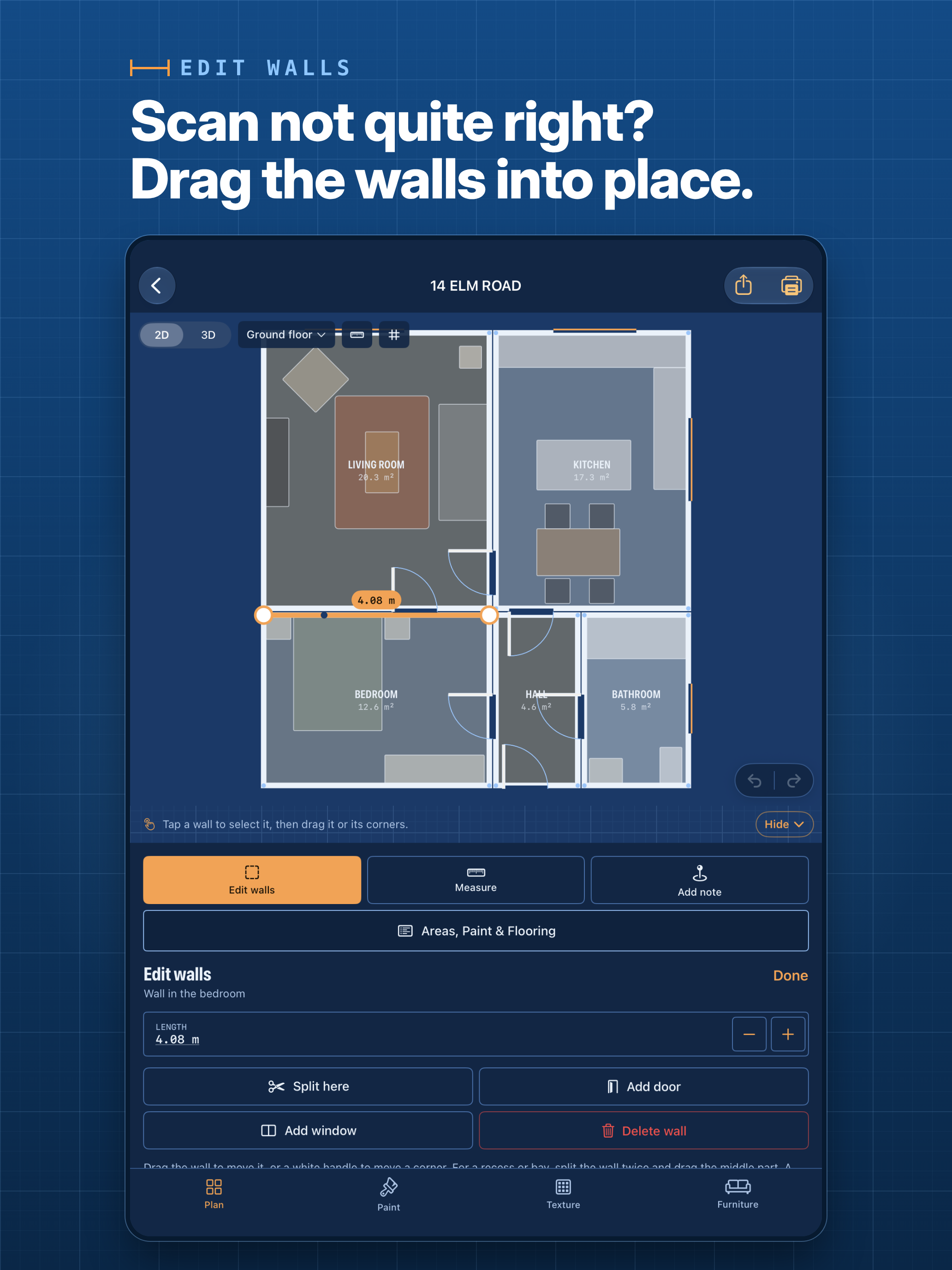
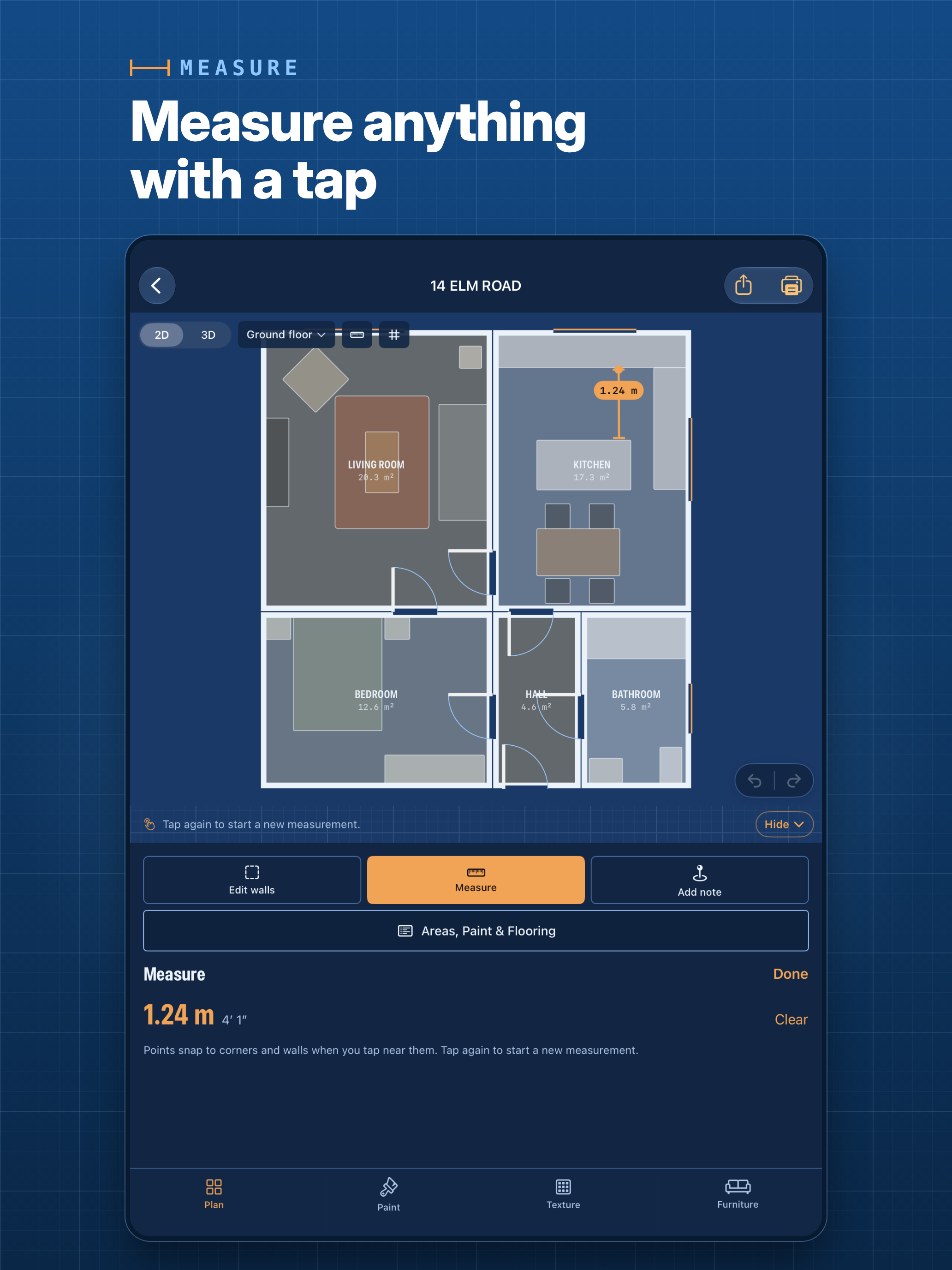
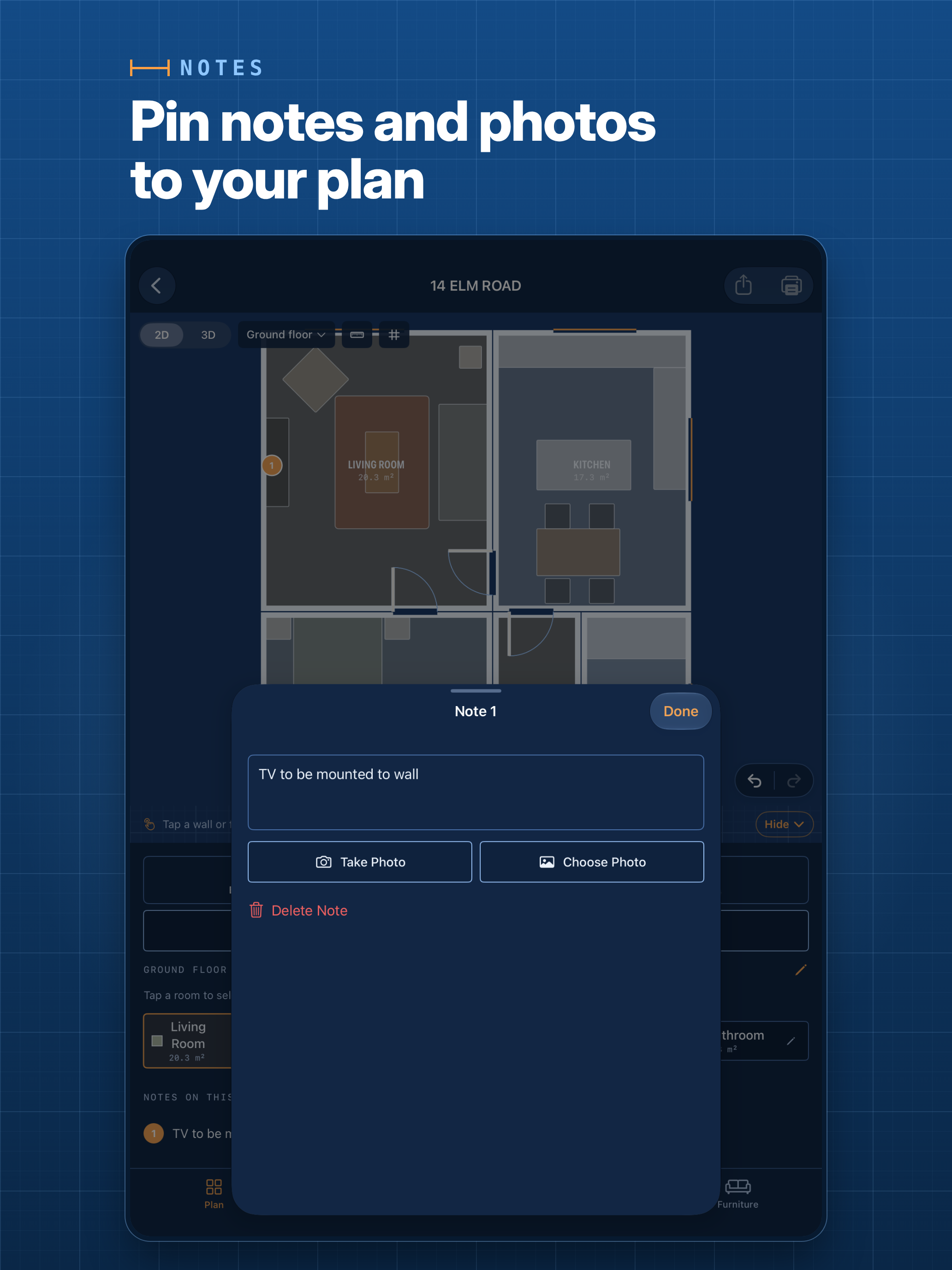
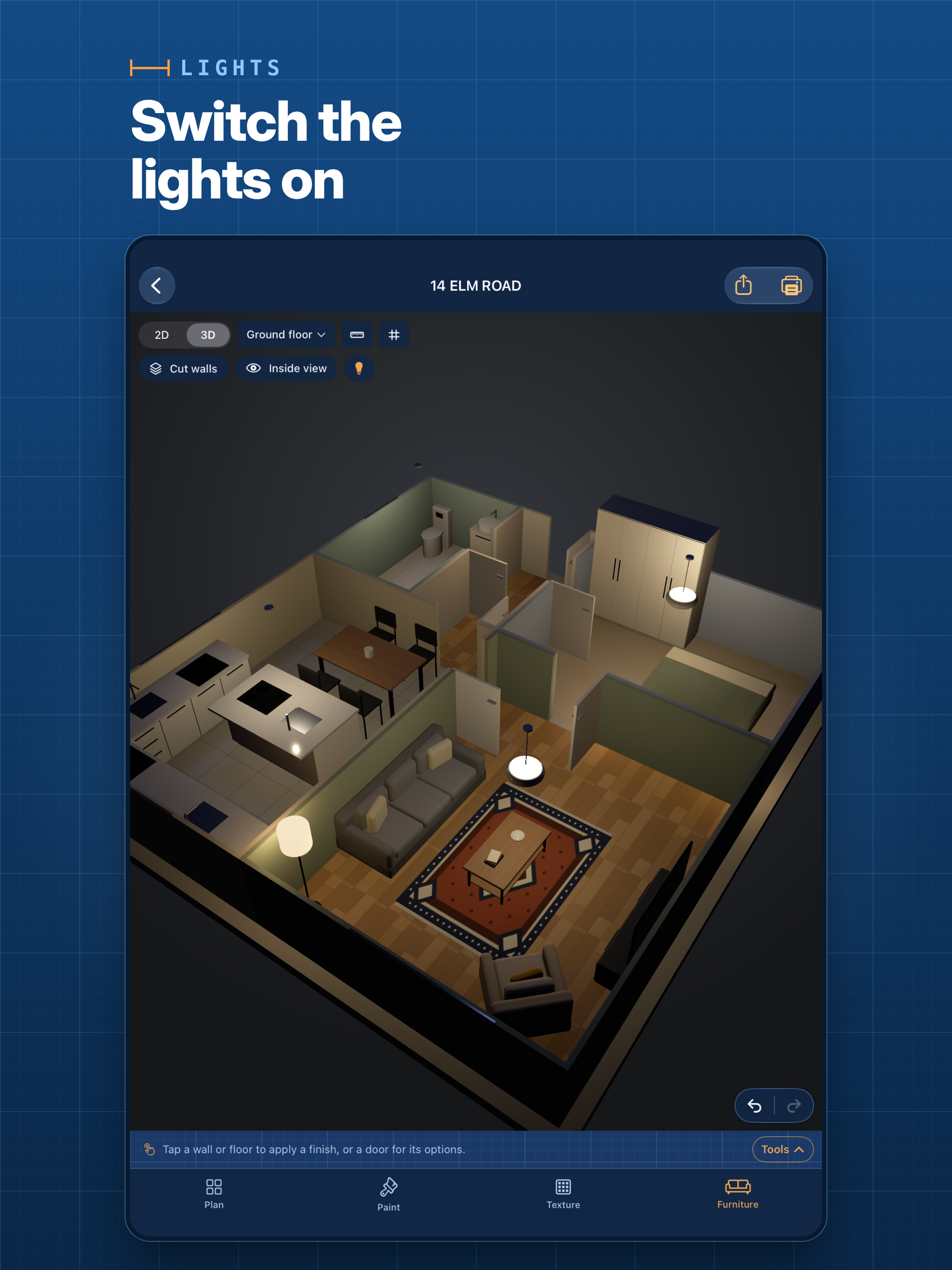
The plan shows every wall length and room area in metres or feet, and can be explored in 3D with cut-away walls or from inside. If the scan gets a wall wrong, you can drag it into place or type its exact length. You can try paint colours (or match one with the camera), wood, tile, carpet, stone and wallpaper at real size, rearrange furniture, switch the lights on, measure between any two points and pin notes and photos to the plan. A built-in calculator works out how much paint and flooring to buy.
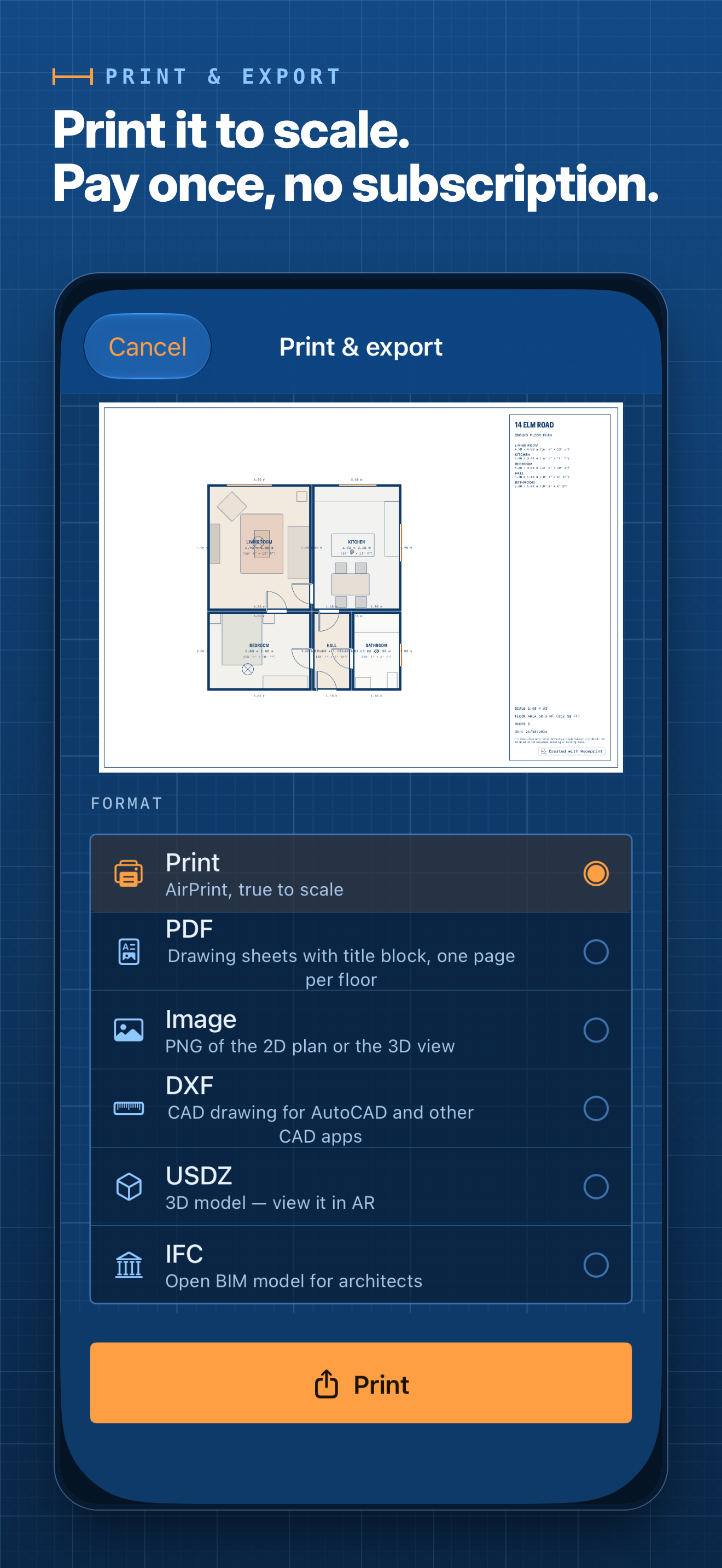
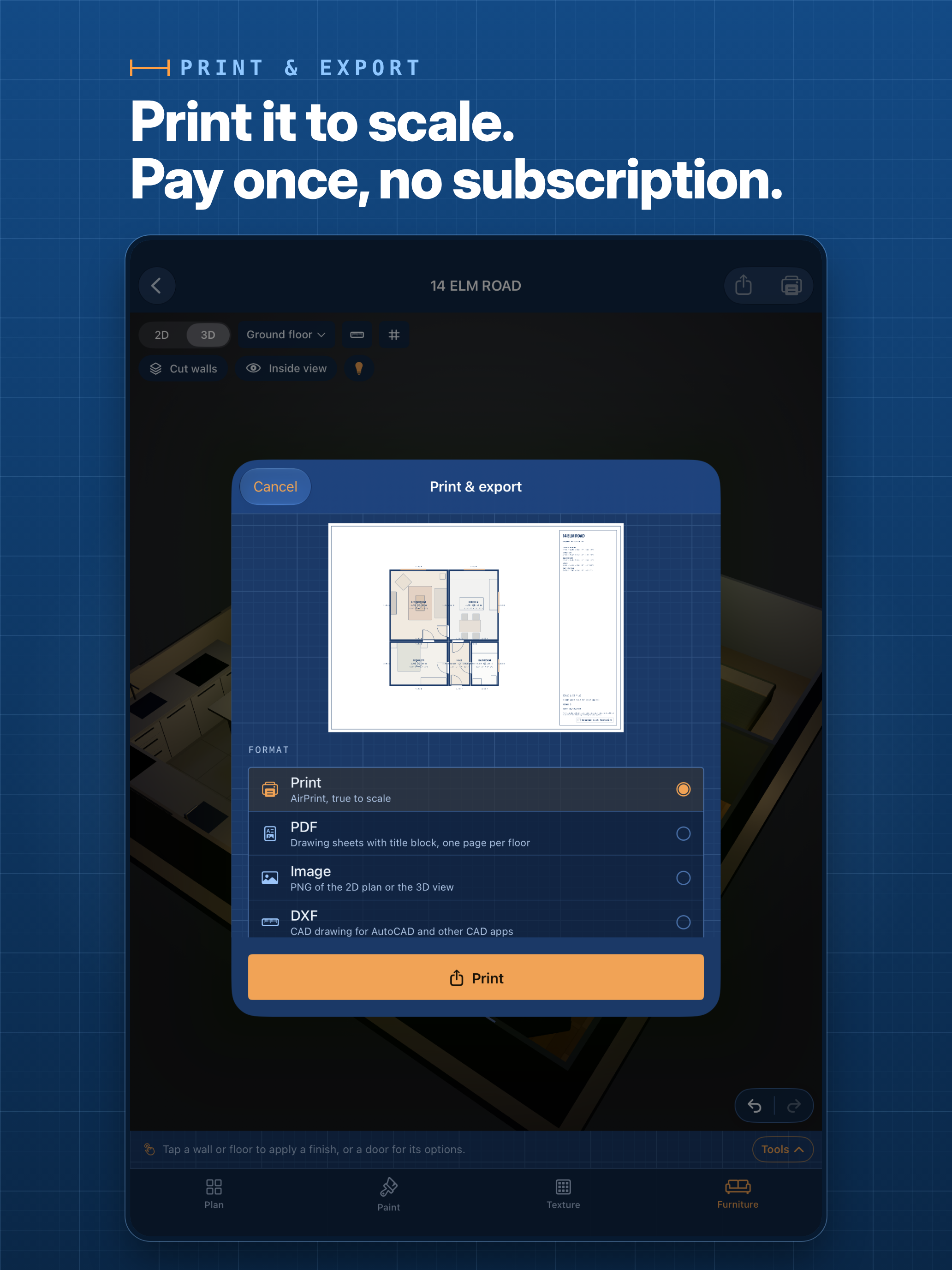
Plans print to scale on A4, A3, Letter or Tabloid, or export as PDF drawing sheets, PNG, DXF for CAD, IFC for BIM software and USDZ 3D models. An estate-agent-style option adds room sizes in metres and feet and a total floor area.
Scanning, planning and decorating are free. A one-off £9.99 purchase unlocks printing, export and sharing. There’s no subscription and no account, and plans stay on the user’s device and in their own iCloud Drive.
Key features
- Room-by-room LiDAR scanning, with multiple rooms and floors on one plan
- 2D plan with wall lengths and room areas, in metric or imperial
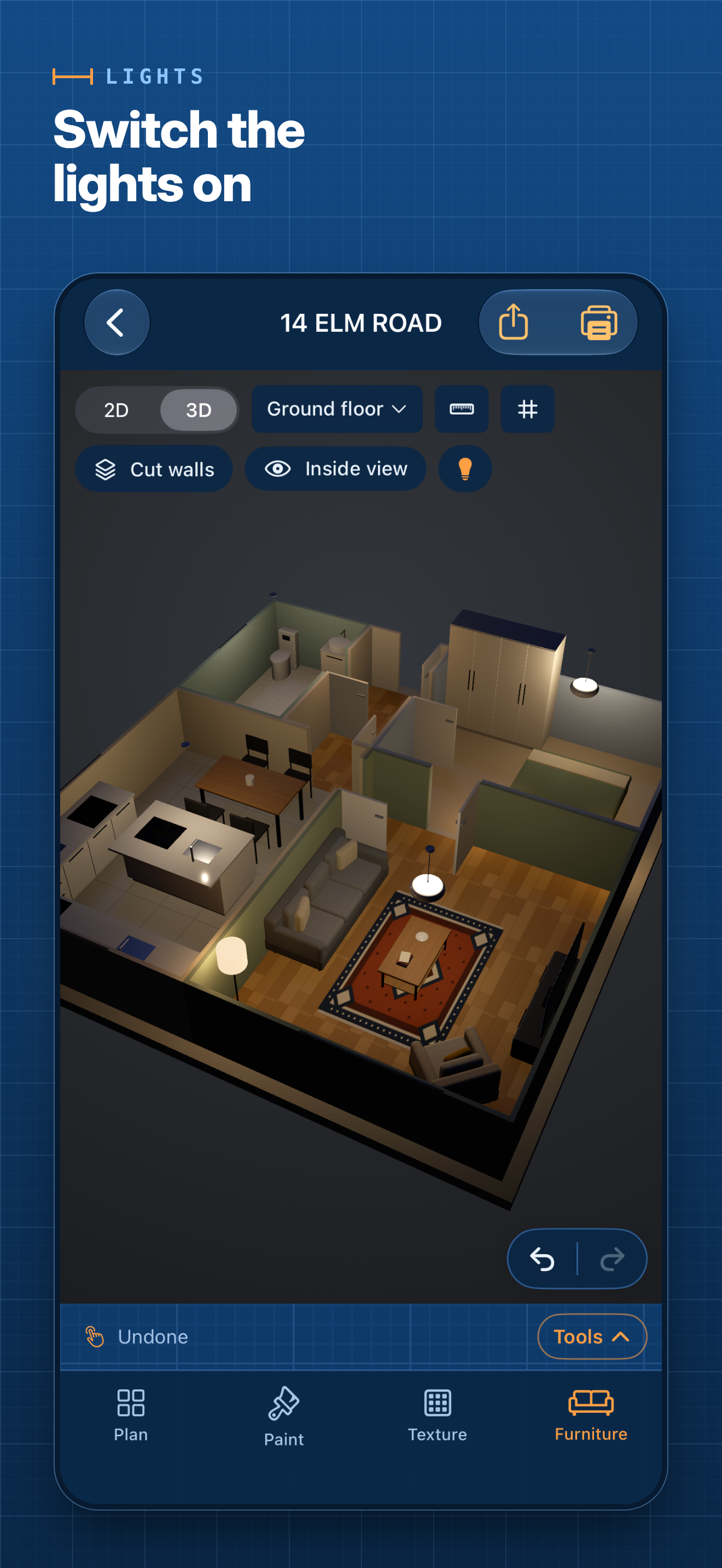
- 3D view with cut-away walls and an inside view
- Edit walls after scanning: move walls and corners, set exact lengths, add alcoves, bays, doors and windows
- Paint colours, camera colour matching, and real-size floor and wallpaper textures
- Furniture detected during the scan, plus ceiling lights and an evening view
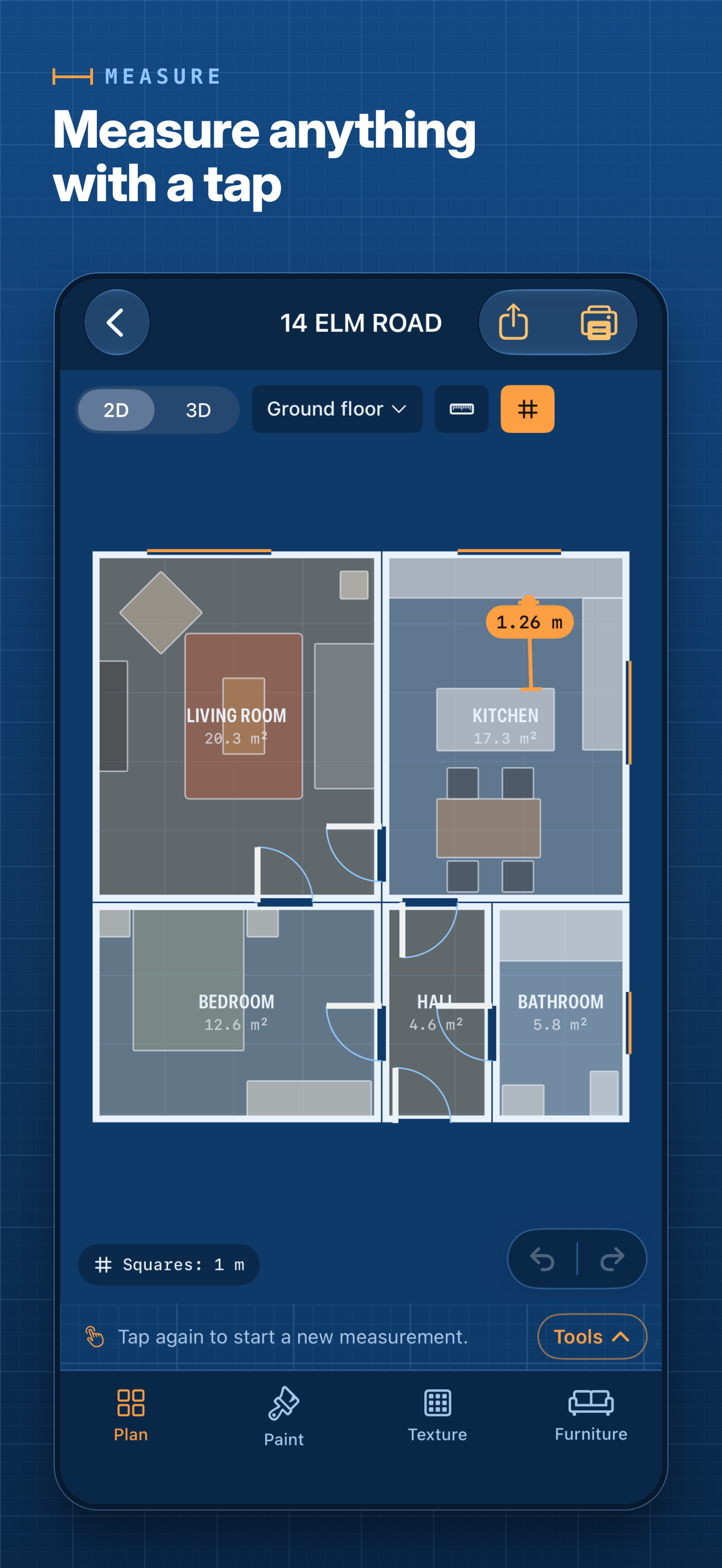
- Tap-to-measure, a measuring grid, and the space between furniture and walls
- Paint and flooring calculator
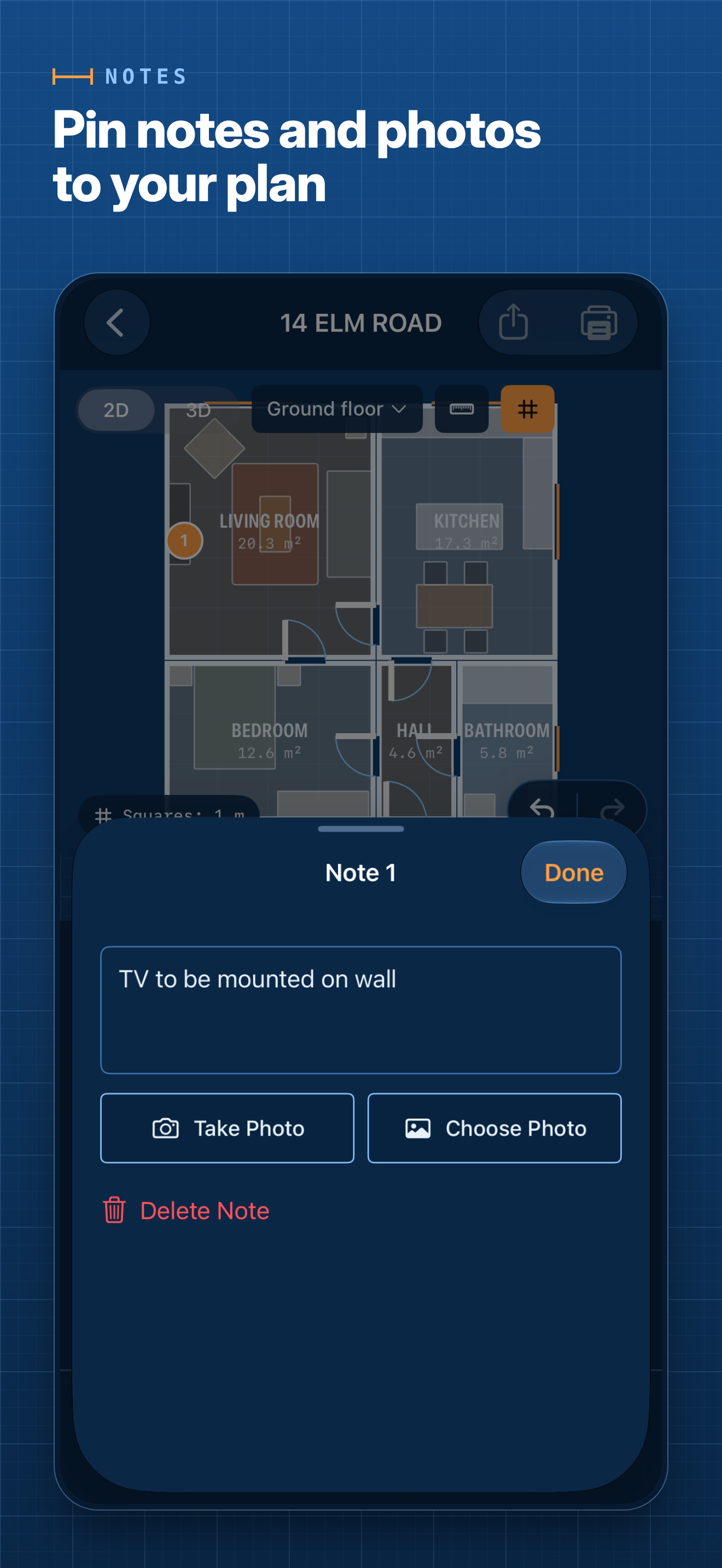
- Notes and photos pinned to the plan
- To-scale printing, and PDF, PNG, DXF, IFC and USDZ export
- No account and no subscription; plans stay on the device
Promo images
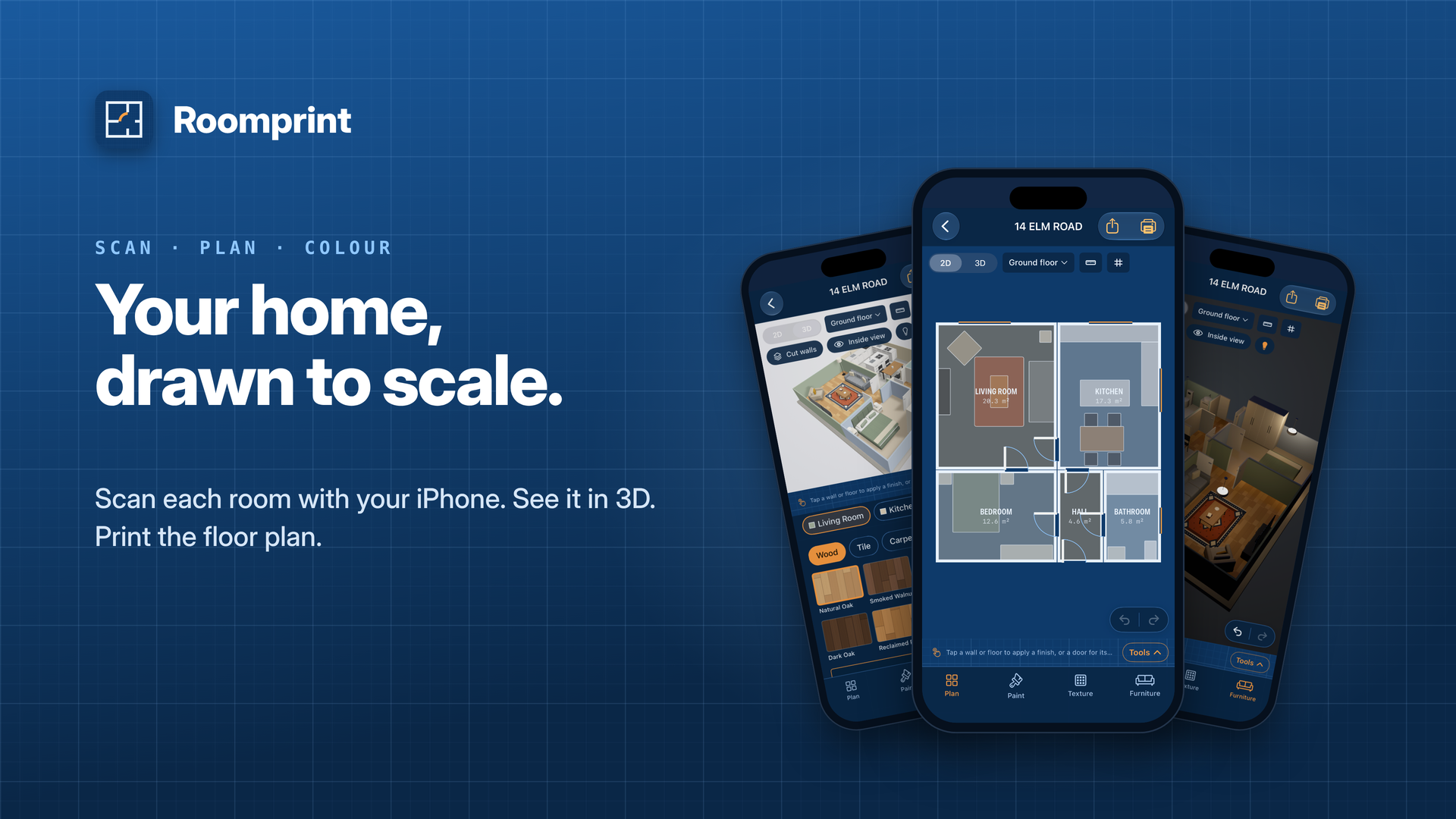
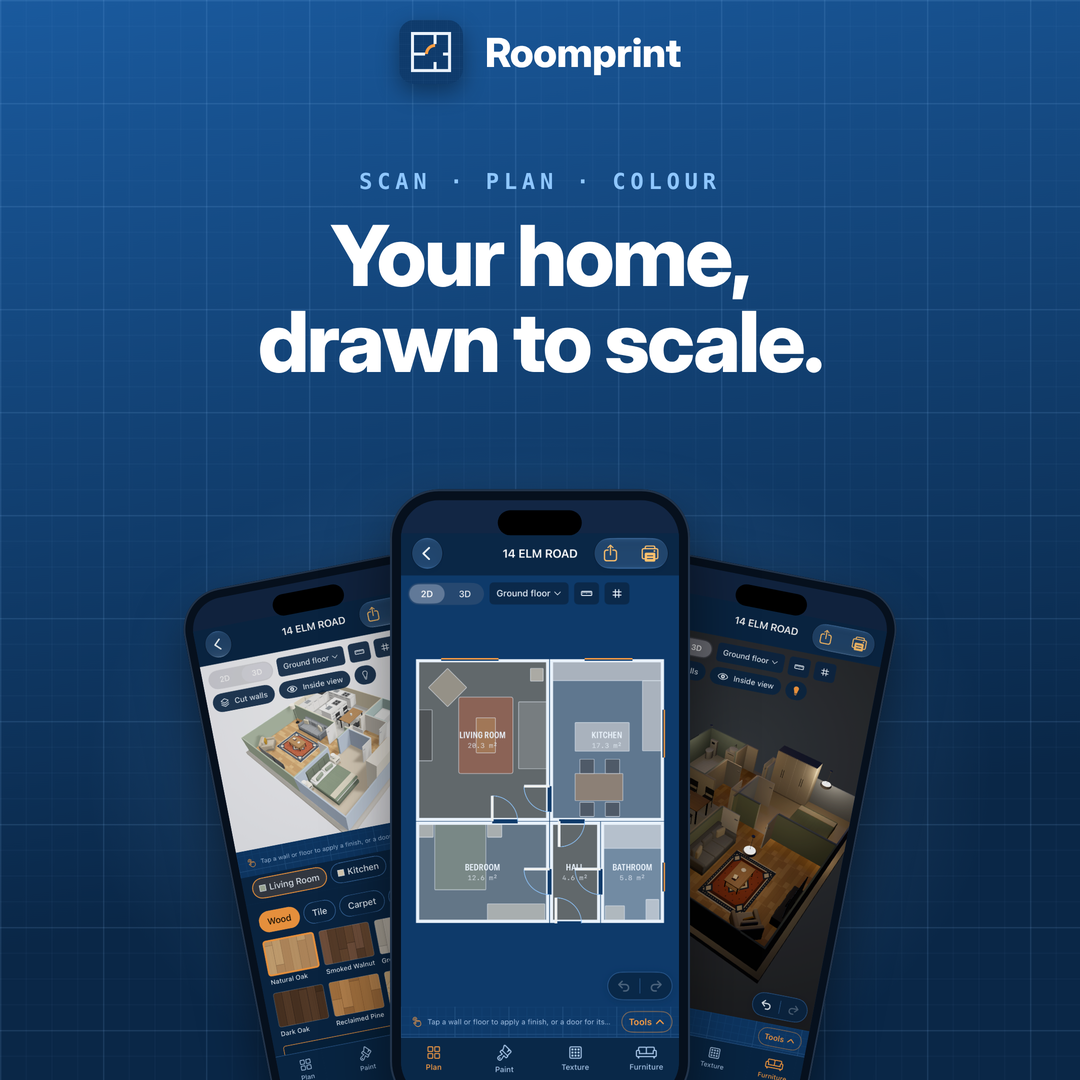
Ready-made header images for articles and posts. Tap one for the full-size PNG.
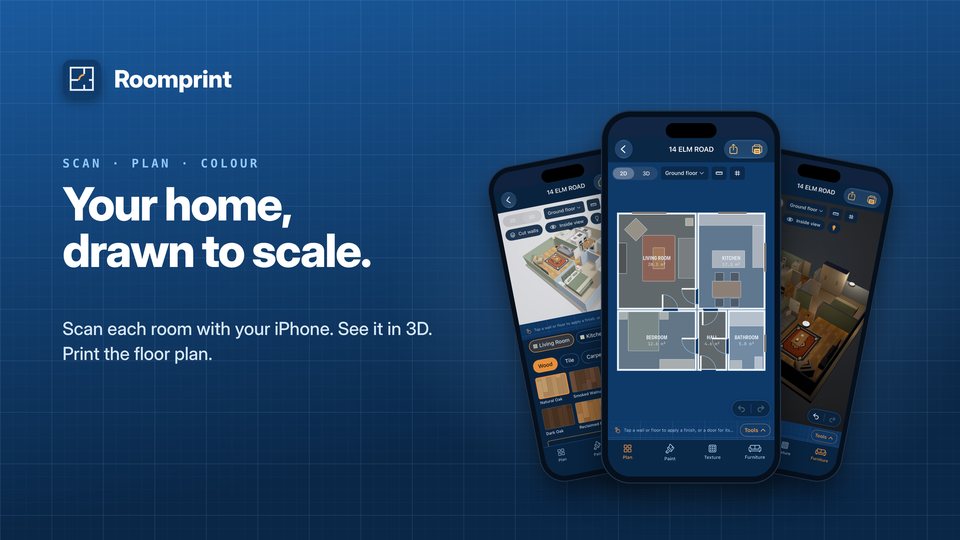 Landscape, 1920 × 1080
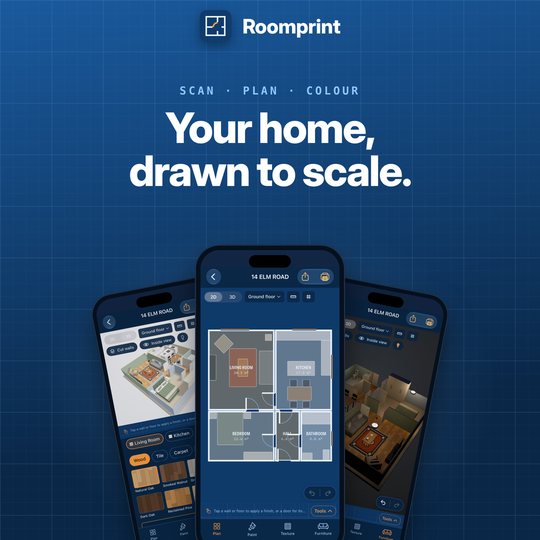 Square, 1080 × 1080
Screenshots
Tap a screenshot for the full-size PNG. The press kit ZIP also has plain versions without the headline and frame. Screenshots show the app’s built-in sample plan.
iPhone (1320 × 2868)
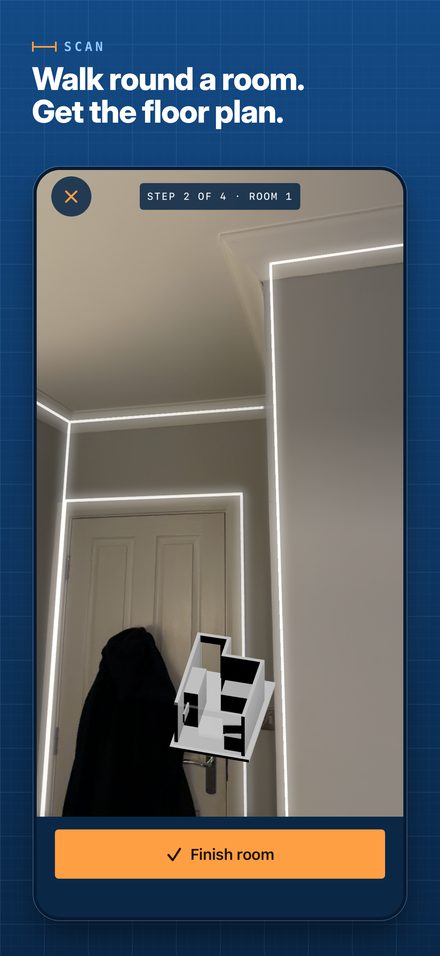 Scan
Scan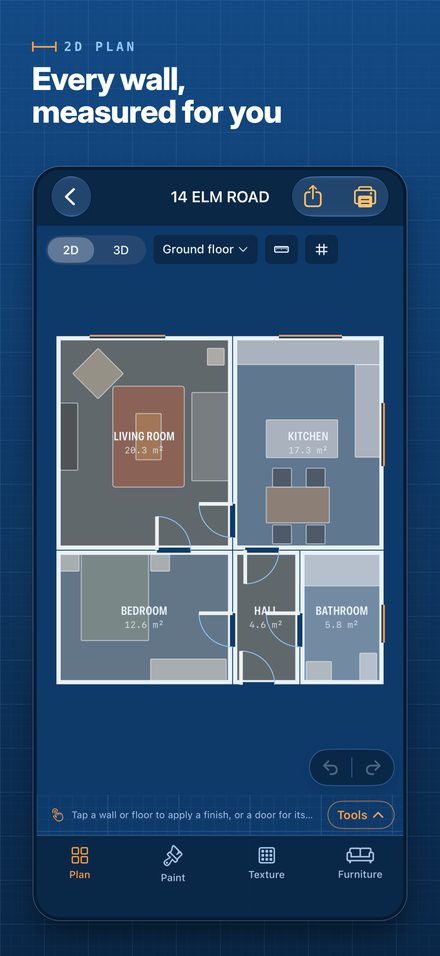 2D plan
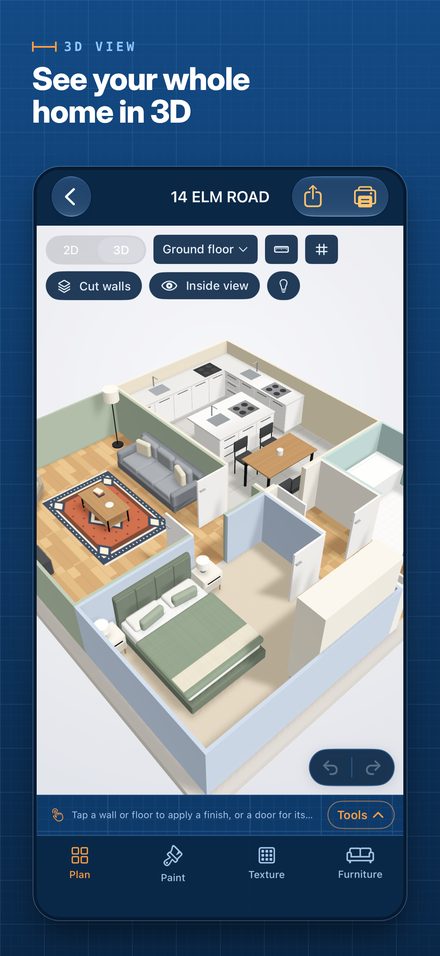 3D view
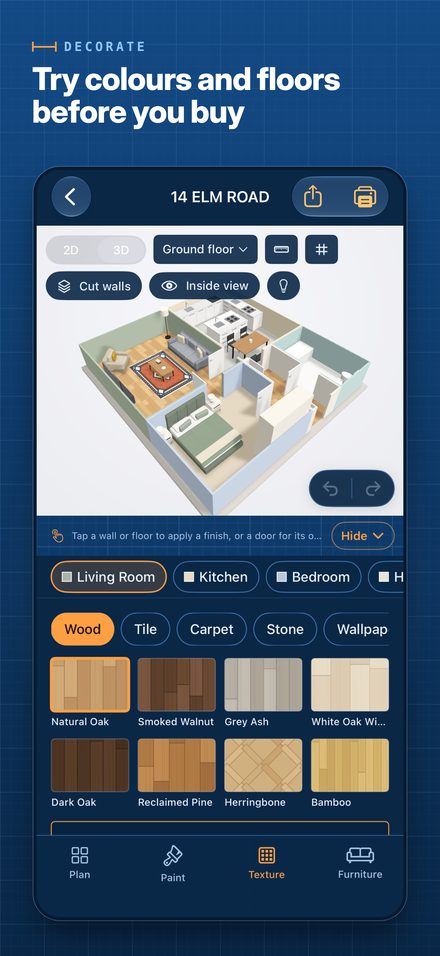 Decorate
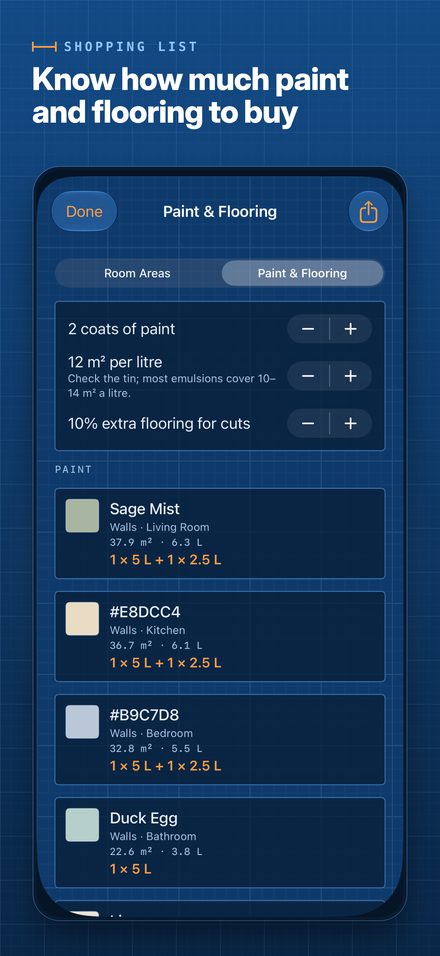 Paint and flooring
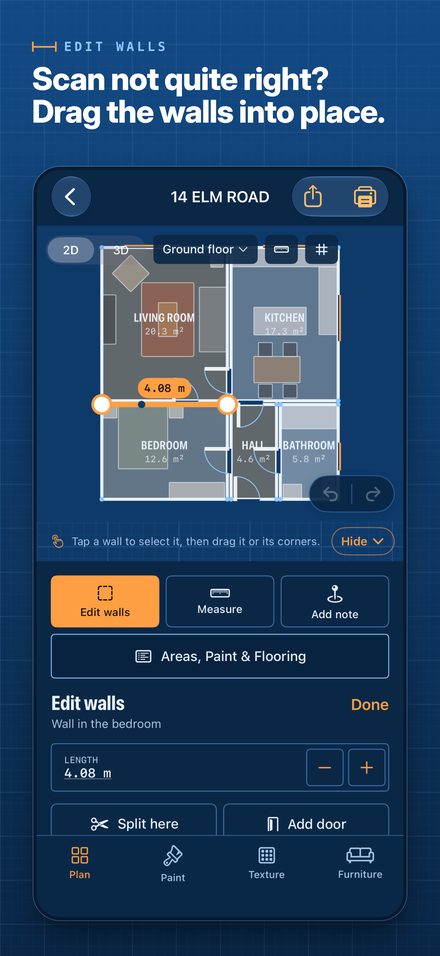 Edit walls
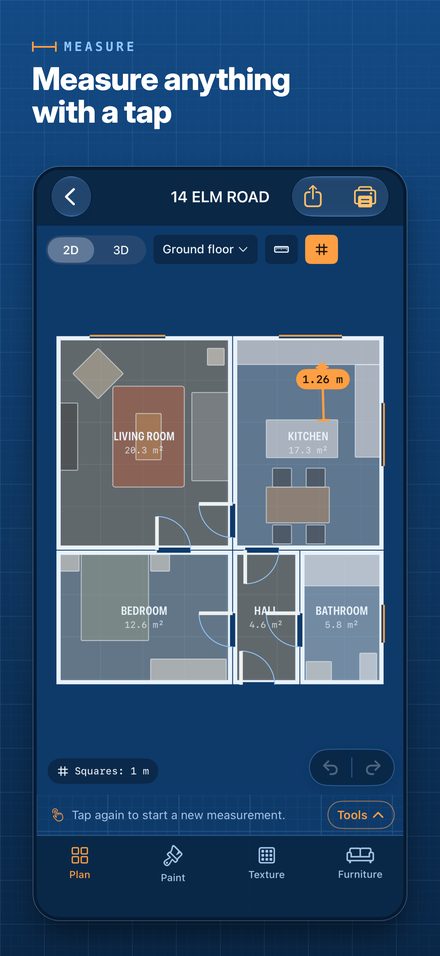 Measure
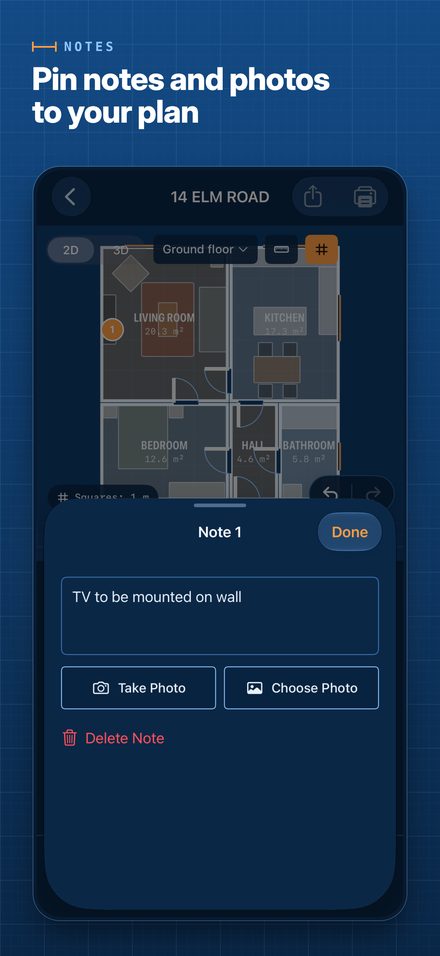 Notes
Notes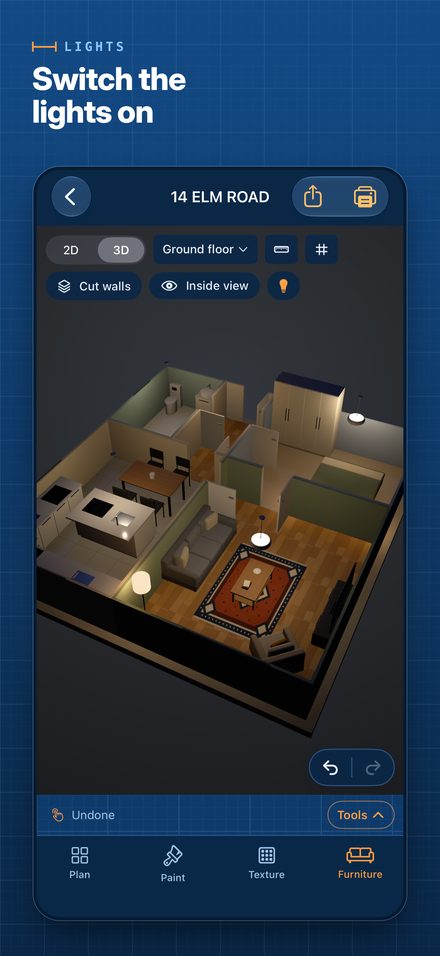 Lights
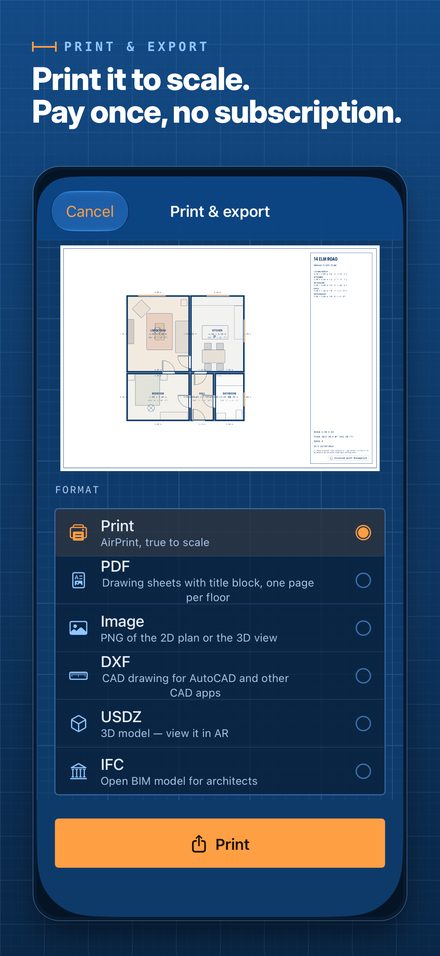 Print and export
iPad (2064 × 2752)
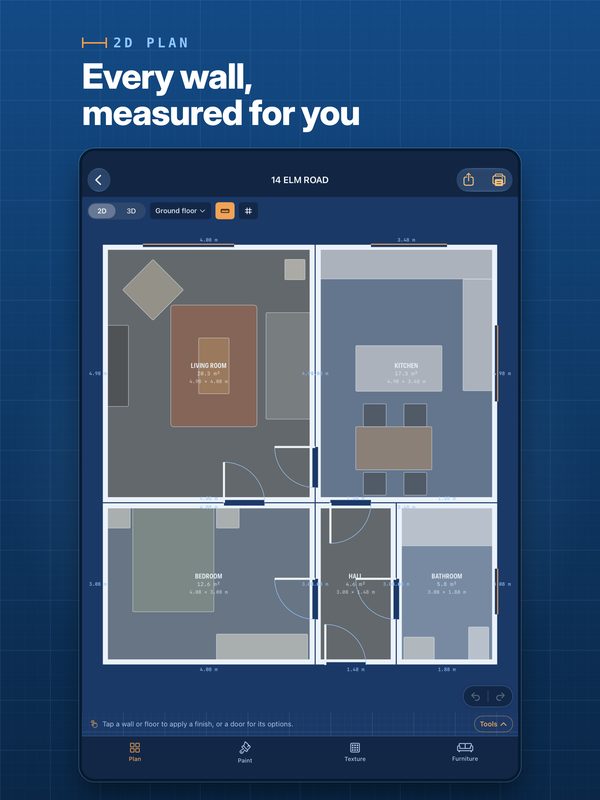 2D plan
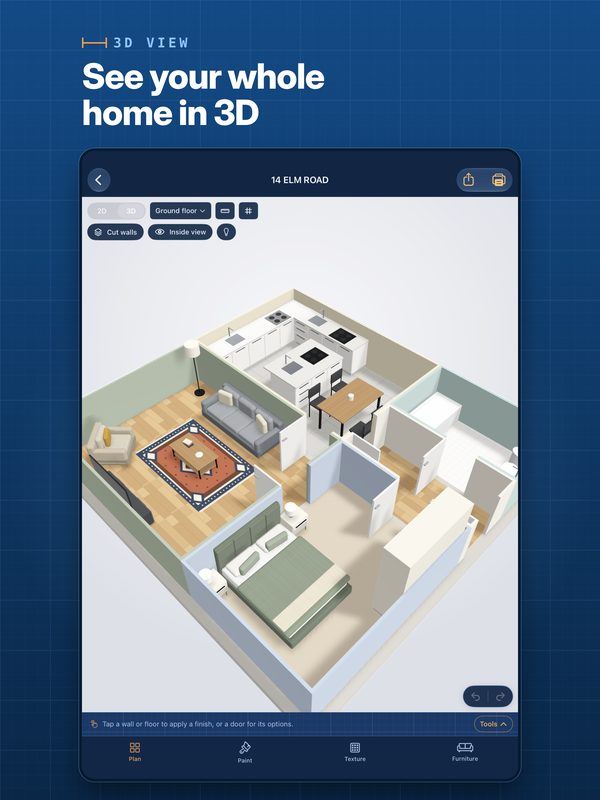 3D view
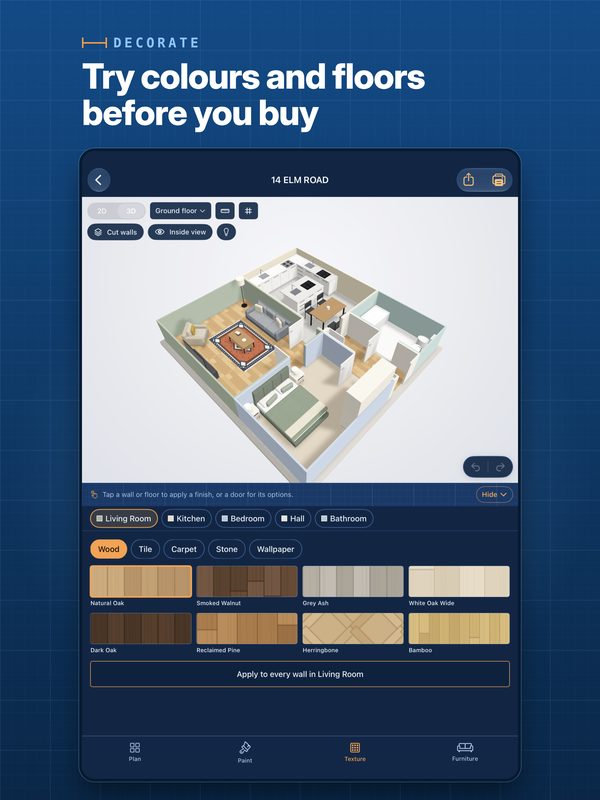 Decorate
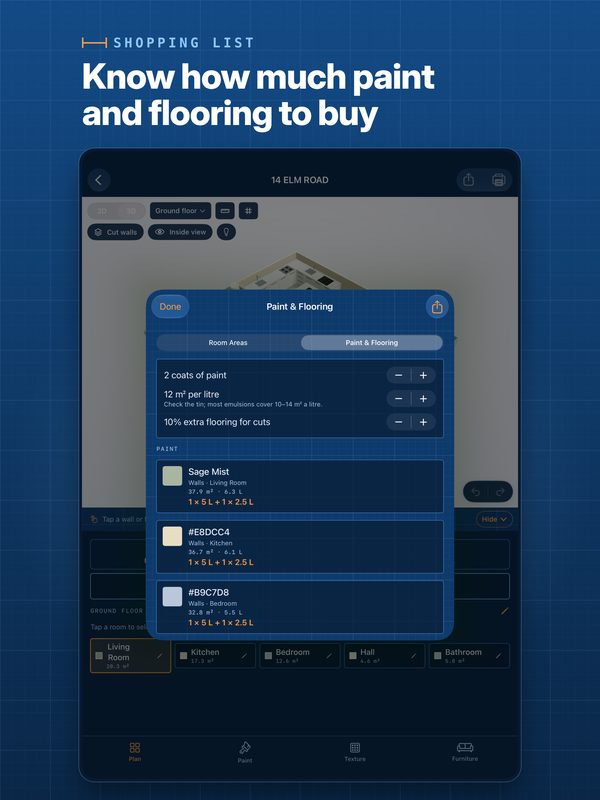 Paint and flooring
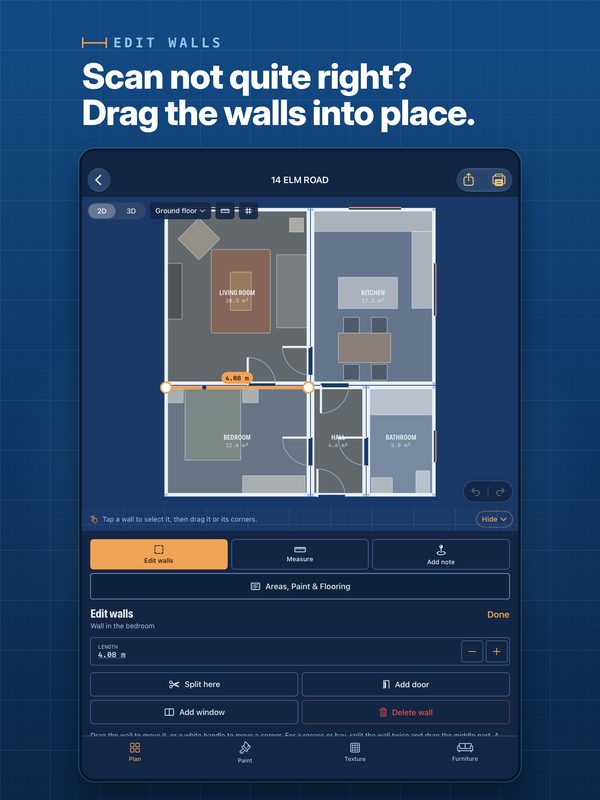 Edit walls
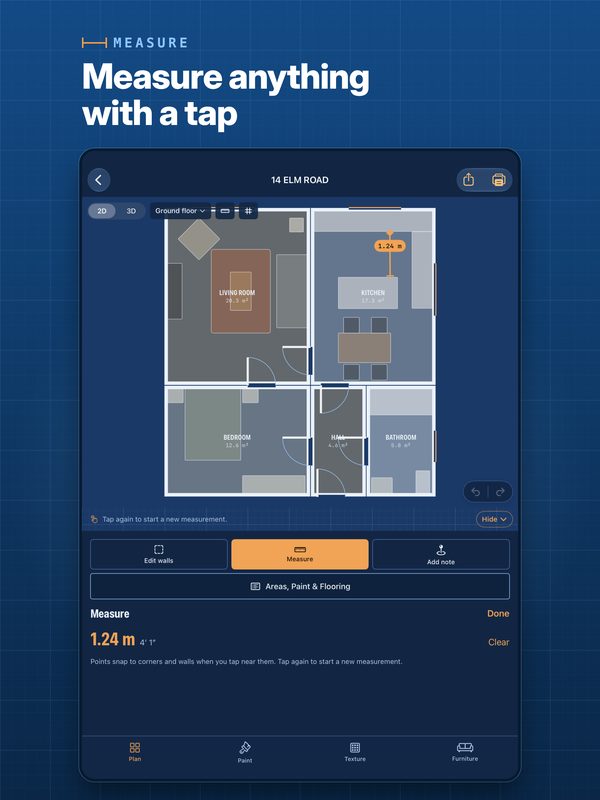 Measure
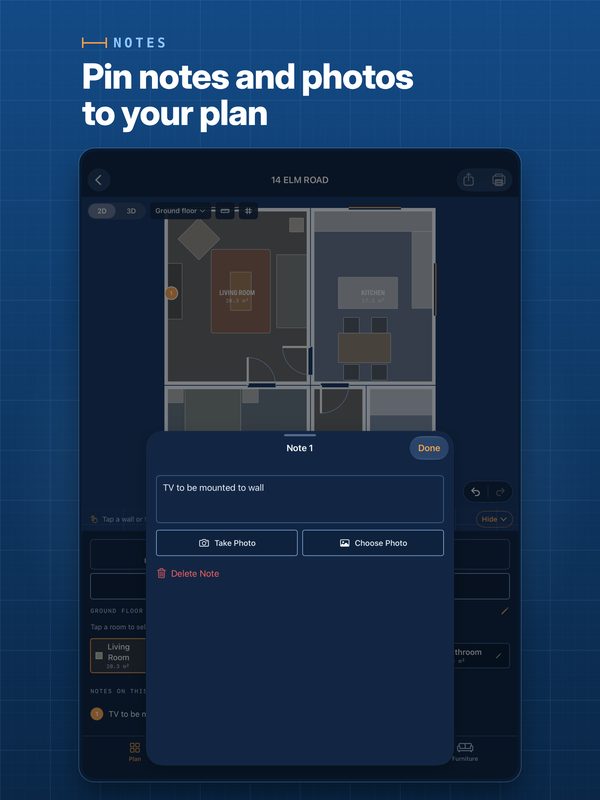 Notes
Notes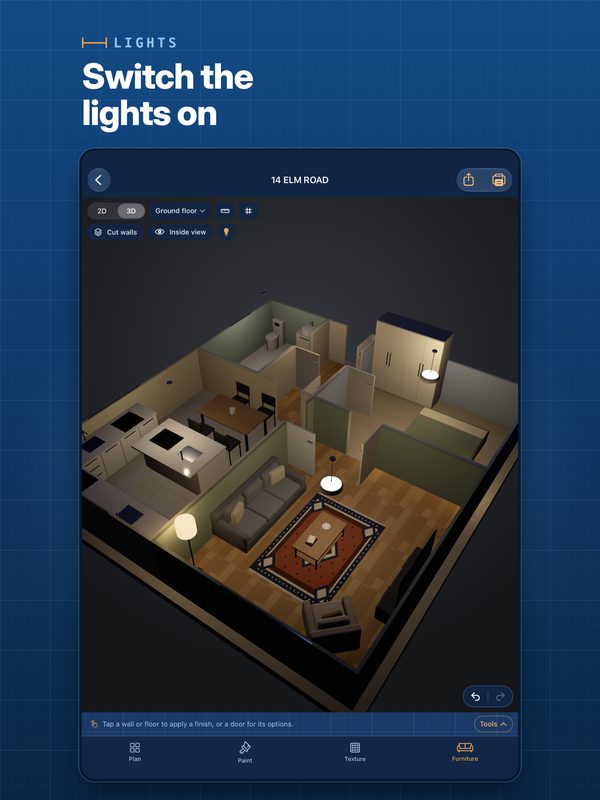 Lights
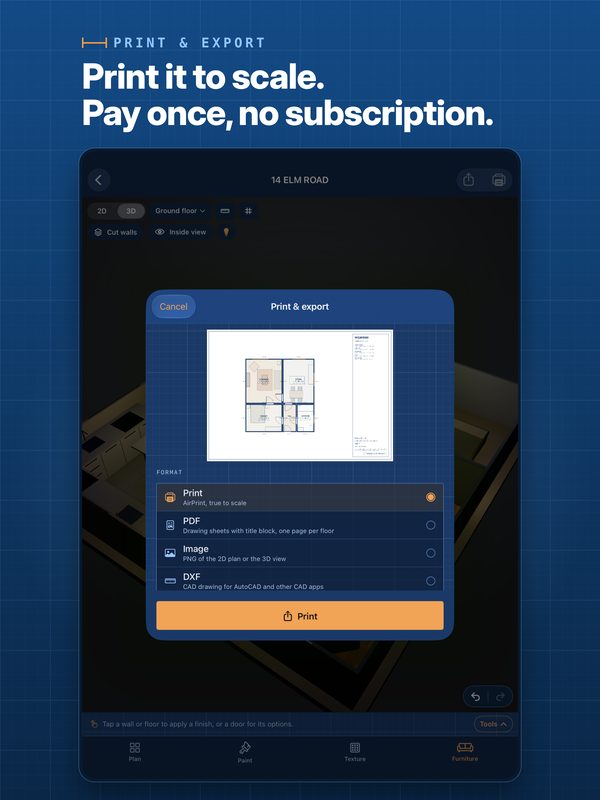 Print and export
Video
30-second walkthrough
A quick tour of scanning, the 2D and 3D plan, decorating, editing walls, the lights, the shopping list and printing. 1920 × 1080, no sound.
Download the video (MP4, 16 MB)
More videos on LOW Works’ YouTube channel.
App icon

1024 × 1024 PNG. Apple rounds the corners on devices; if you show the icon on its own, round the corners or show it on a device.
Name and brand
- Write the app’s name as Roomprint: one word, capital R.
- Write the studio’s name as LOW Works, with LOW in capitals.
- Please don’t change the app icon’s shape, colours or proportions.
- Navy
#0A2747 - Blueprint blue
#12508F - Light blue
#8FC7FF - Orange
#FF9F43
About LOW Works
LOW Works is a UK design studio that turns ideas into useful things: brand identity, print and digital design, websites, digital products, training and business systems. Its apps are Roomprint and Tenventory, a property inventory app for UK rented homes.
Contact
For interviews, more images or questions, email hello@lowworks.co.uk. If you’re reviewing Roomprint and need the paid features, ask and we’ll arrange access.